Apex Gaming

A family-made arena shooter

Shoot­butt

Halo-style fights with your family and friends. Then five hundred pink things come over the wall.

Version 0.6.23. Free. No admin password. It updates itself every time it starts. How to install
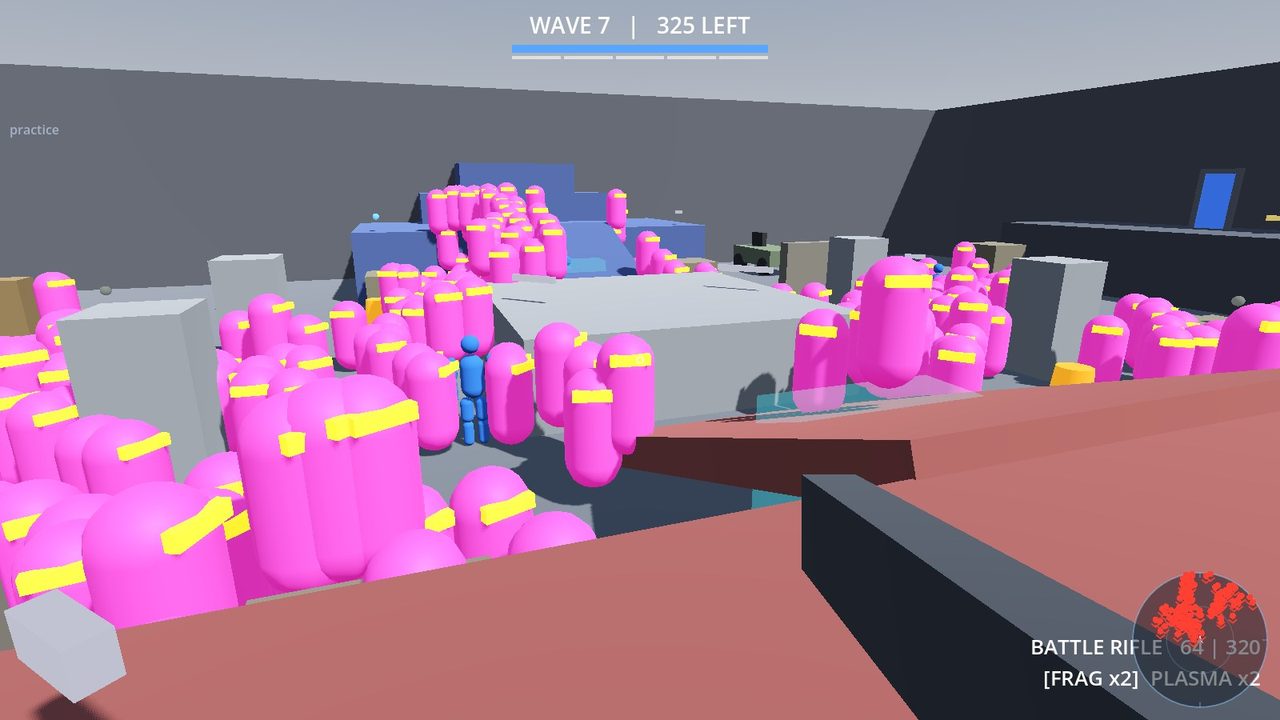
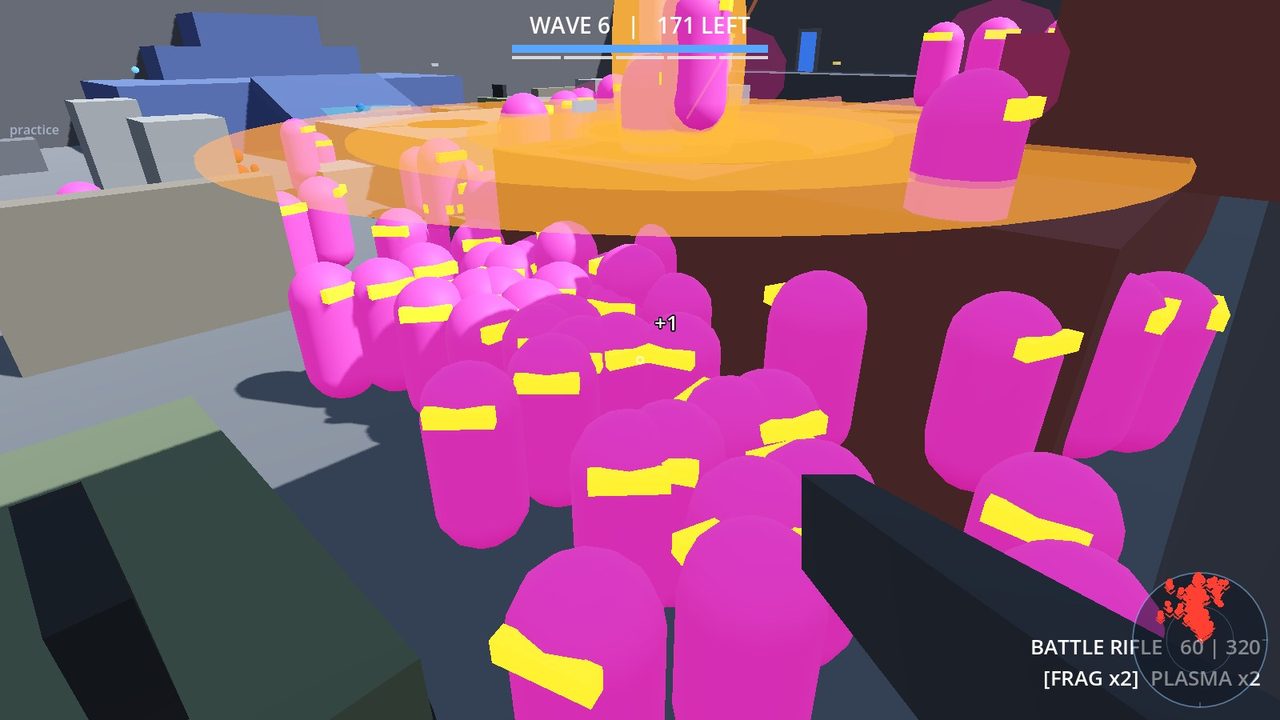
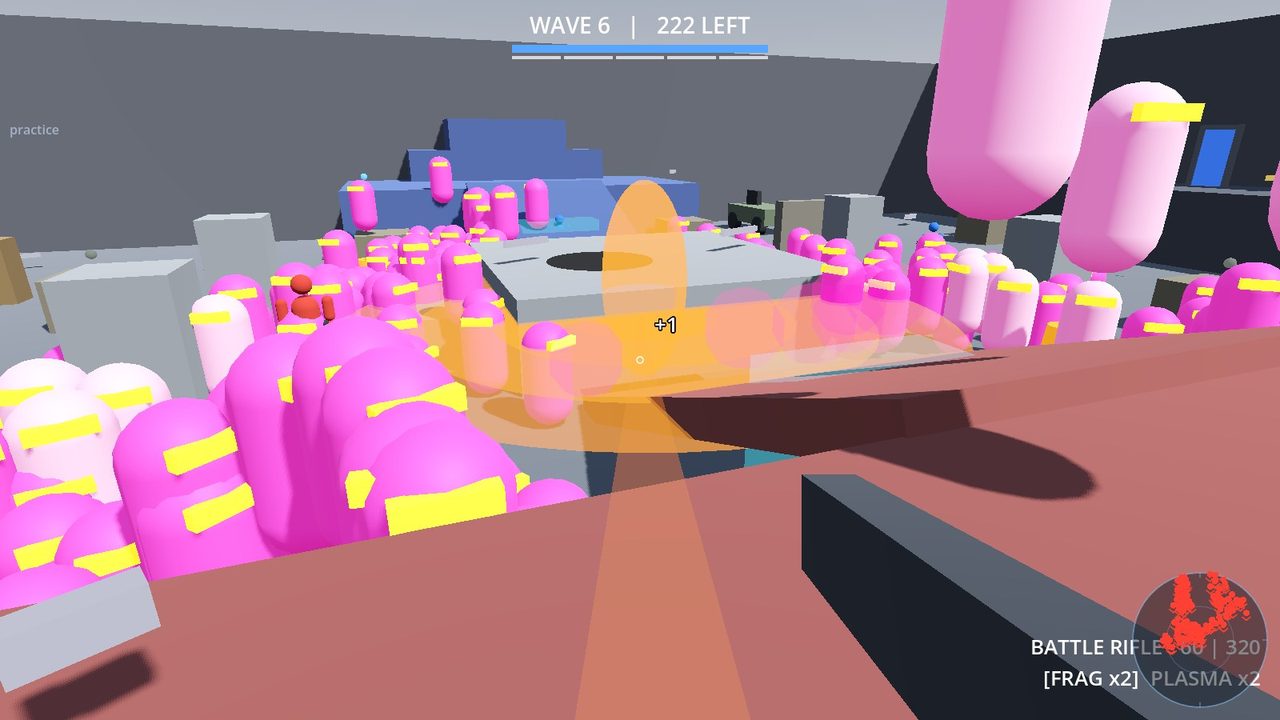
First-person view of a horde of bright pink pill-shaped enemies with yellow visors pouring over grey blocks

Wave 9: 550 of them

What is it?

Seven ways to play

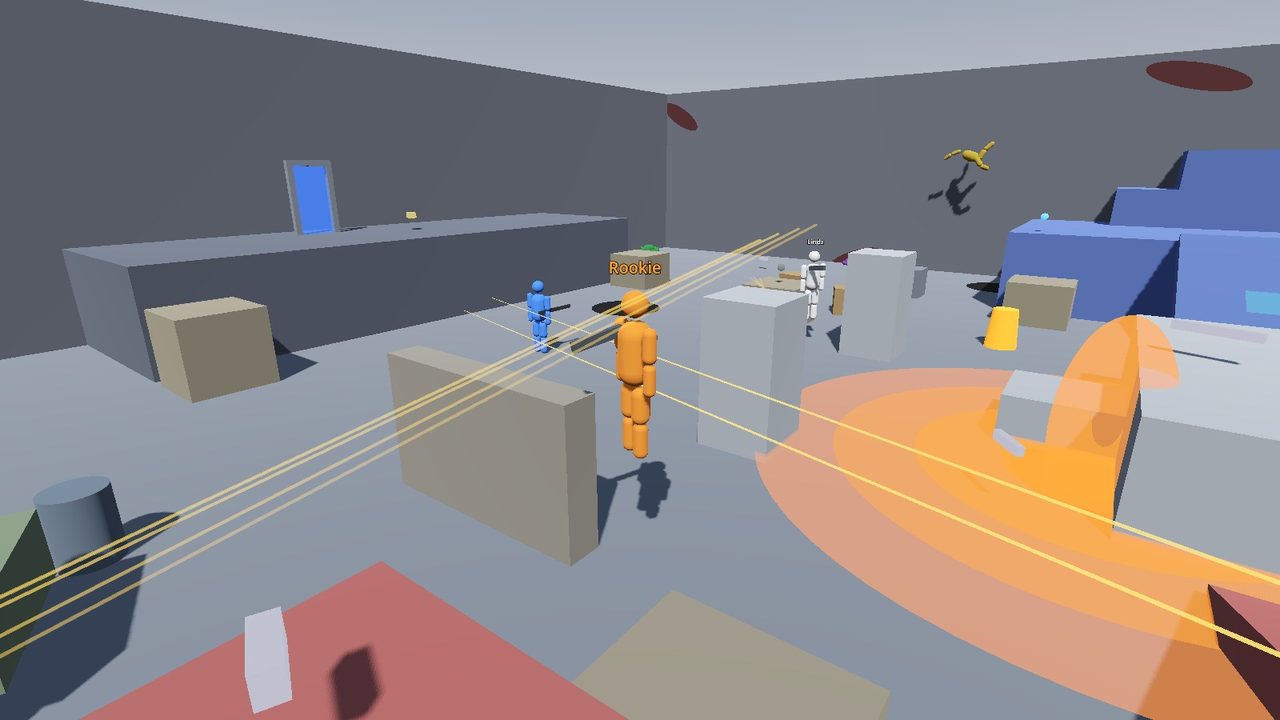
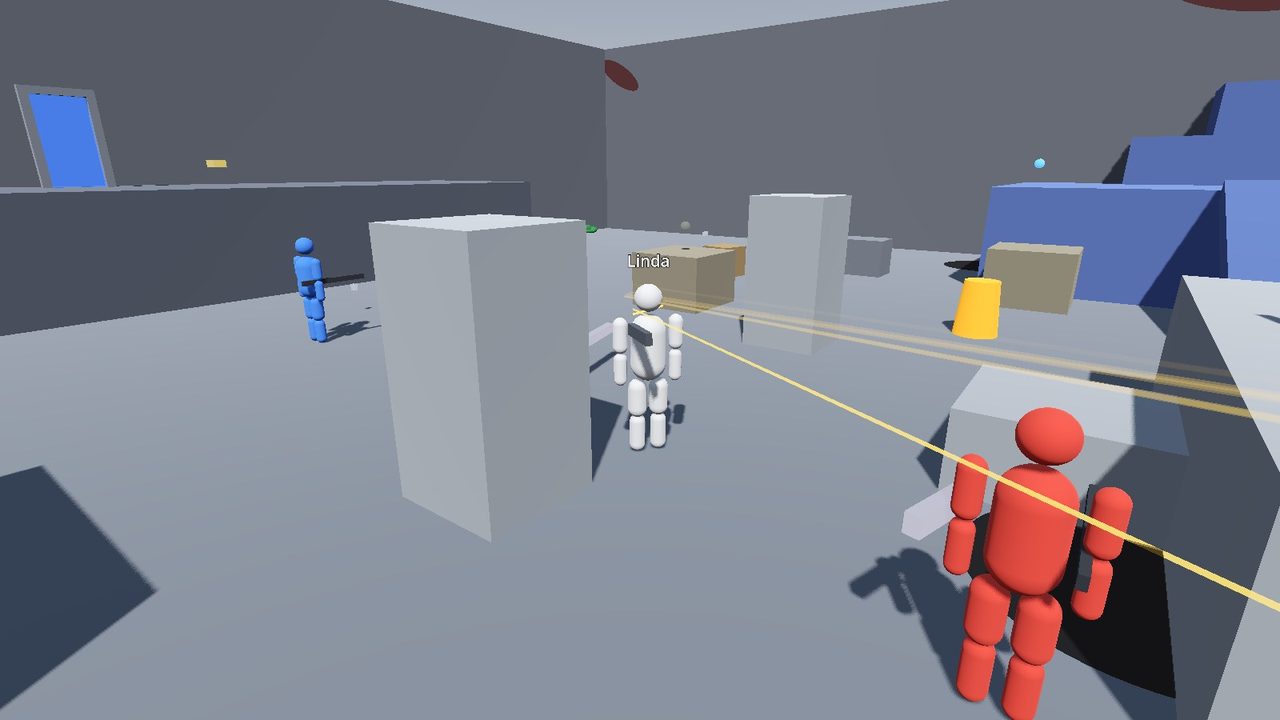
Run, jump and shoot in grey arenas, like Halo. Play against bots on your own, or with family on the same Wi-Fi or over the internet.

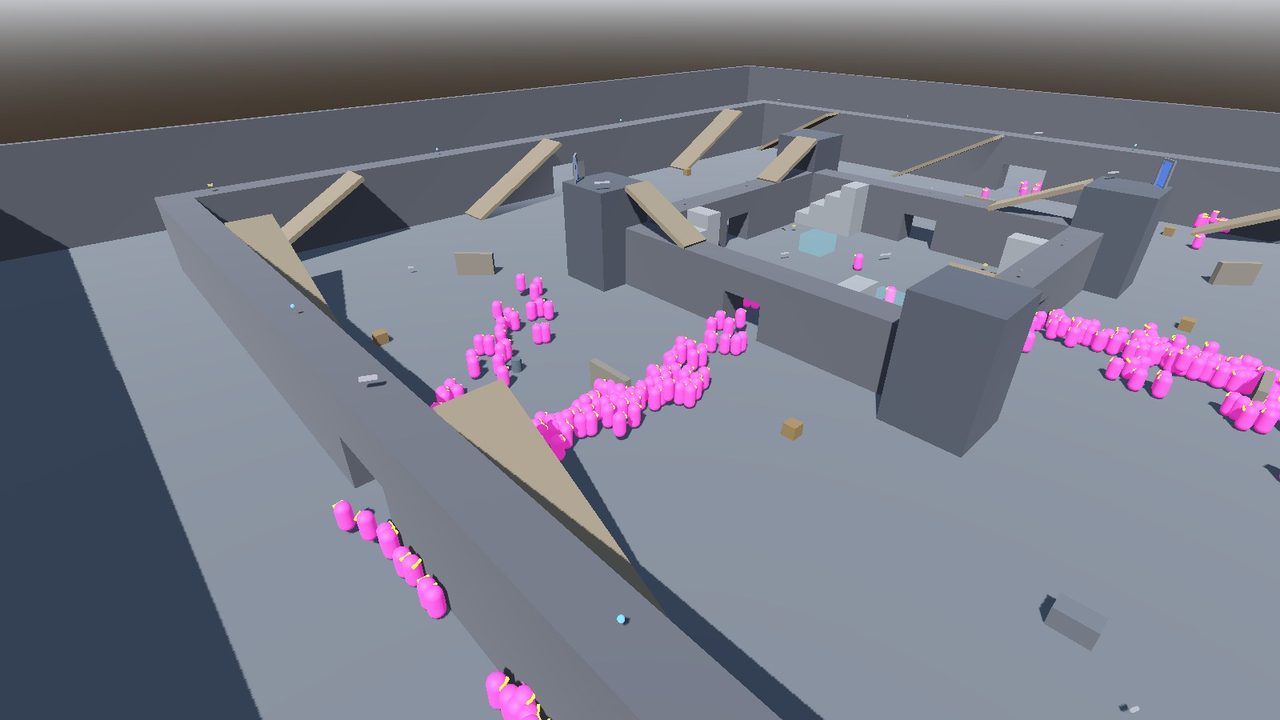
  • HordeEveryone on one team against waves of pink things. Each wave is bigger and faster. Wave 9 has 550 of them. How many waves can you clear?
  • SlayerEveryone for themselves. Each kill is a point.
  • Team SlayerRed team against blue team.
  • FiestaTwo surprise weapons every time you come back.
  • GrifballSwords only. Carry the ball into the other team's goal.
  • JuggernautOne gold giant has every gun. Beat it to become it.
  • King of the HillStand in the hill alone to score. It moves every minute.

Just want to play?

Press QUICK PLAY on the first screen. You get Slayer on Bases against 3 bots. One click, nothing to set up.

Maps

  • Pit small
  • Midship small
  • Bases medium
  • Yard big, Warthogs
  • Castle big, best for Horde
  • Sprawl huge

Bots go from recruit to legendary. Forge lets the host build on the map while everyone plays (press F1).

Keys

WASD
Move
Space
Jump
Mouse
Look and aim. Left click shoots.
FG
Hit, and throw a grenade
E
Pick up a gun, get in a Warthog
Esc
Pause screen and settings

Install it

Two minutes, once

After this, Shootbutt keeps itself up to date. You never download it again.

On Windows

  1. Click Download for Windows.Your browser saves ArenaSetup.exe. If it asks, choose Keep.
  2. Open ArenaSetup.exefrom your Downloads folder.
  3. Click "More info", then "Run anyway".Windows shows a blue box first. That is normal for a small game.
    Windows protected your PC  →  More info  →  Run anyway
  4. Choose "Install for me only".Then Next and Install. Shootbutt goes on your desktop.
  5. Play.Start it from the desktop. New versions arrive on their own.

On Linux

  1. Click Download for Linux.Your browser saves shootbutt-linux.tar.gz.
  2. Extract it.Right-click the file and choose Extract Here. You get a folder called shootbutt.
  3. Run the installer in that folder.Open a terminal in the shootbutt folder and type:./install.shNo password. It adds Shootbutt to your app menu and your desktop.
  4. Play.Start Shootbutt from the app menu. It updates itself, the same as on Windows.

Play with Joe online

Join Joe's game

Joe hosts. You join from your own home. All you need is the address on his screen.

  1. Joe starts a game with HOST and presses Esc. His pause screen says Family online: and an address. He sends you that address.
  2. Open Shootbutt and type your name.
  3. Type the address in the Address box. Leave off the :7777 at the end: the Port box already says 7777.
  4. Click JOIN. You are in.

Next time the address waits under Recent on the first screen. One click joins.

In the same house? Use the address after Others join: on Joe's pause screen the same way.

Help

Something went wrong?

Most problems have a one-line fix. Tap a question to open it.

Windows says "Windows protected your PC"

That blue box is normal. Windows does not know this small game yet. Click More info, then Run anyway. You only see it when you install, not when you play.

Linux says "Permission denied" when I run ./install.sh

Some extract tools lose the "can run" mark on the file. Type this in the shootbutt folder instead:

sh install.sh

How do I open a terminal in the folder on Linux?

On most Linux desktops: open the shootbutt folder, right-click an empty part of the window, and choose Open in Terminal.

The game shows a big "GET THE NEW VERSION" button

Sometimes a new version needs a fresh install. Click the button. Your browser downloads the new file.

  1. Windows: open the new ArenaSetup.exe and do the same steps as the first time.
  2. Linux: extract the new shootbutt-linux.tar.gz and run ./install.sh again.

Your name, settings and Forge maps stay.

I cannot join Joe's game
  1. Joe must be in a game he started with HOST.
  2. Type only the numbers and dots in Address, without :7777. Port must say 7777.
  3. If Joe's pause screen says "Not open to the internet", his router said no. Play in the same house, or ask Joe.
Can I play on a Mac, a phone or a tablet?

Not yet. Shootbutt runs on a Windows computer or a Linux computer (64-bit PC). It needs a keyboard and a mouse.

How do I remove Shootbutt?

Windows: open the Start menu, find Shootbutt, and choose Uninstall Shootbutt. Or use Settings, Apps.

Linux: the README.txt in the download has the command.

Optional: stop the "Unknown publisher" message
  1. Download arena.cer and double-click it. Click Install Certificate.
  2. Choose Current User, then Place all certificates in the following store, Browse, Trusted Root Certification Authorities. Click Finish, then Yes.
  3. Do it again with the same file, and pick Trusted Publishers.

Windows then names the publisher instead of "Unknown publisher". You do this once per PC. The blue box can still show.

What is new

Fresh out of the oven

Your game gets these the next time it starts. You do not have to do anything.

Version 0.6.23

0.6.23

- Real guns: every gun now has its own model instead of a grey box, in
  your hands, on the floor and on the dummies. Rockets, plasma bolts, the
  BFG orb, MIRV shells, grenades and the ammo can have models too.
- You can see what gun the other Spartans hold.
- New horde: the little magenta monsters are pixel-art cards now, and
  when one dies it goes flying.
- A shot that touches a monster hits it. Shoot the top of its head for
  a one-shot kill.